Start working
Purposes and applications of the software
The yoSim software can be used in the following business processes:
1 - Production planning
2 - Modeling and analysis of technological processes of actual production plants
3 - Designing of new technological processes and production facilities
4 - Modernization of existing technological plants and production facilities
5 - Production management and optimization of technological modes of operating plants
Running the software
When working through the desktop version, double-click on the application icon and wait for the application start window to load.
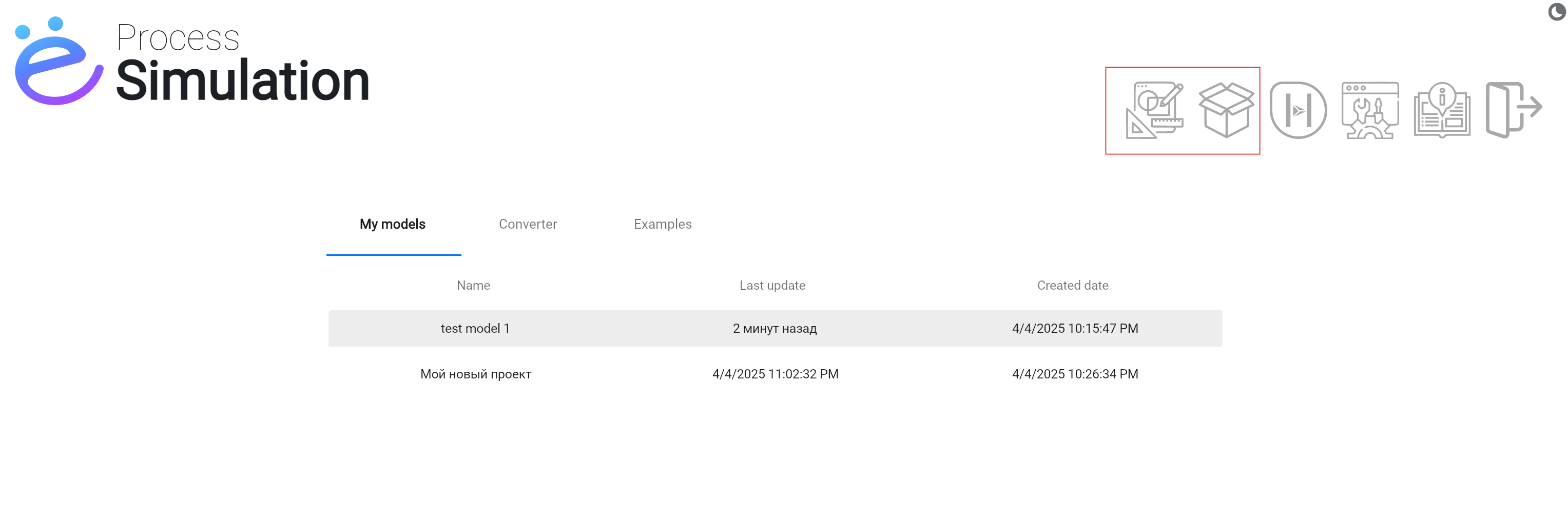
On the start window for working with process models we have two options: create a new model or load an existing model. When selecting the option “create a new model”, the manager of quick model customization opens, with the help of which you can define the following parameters of the process model:
- thermodynamic package
- list of chemical elements
- preconfigured system of units
After that the user enters the main workspace of the technological model, where he can create full-fledged technological models by adding material and energy flows, as well as equipment to the workspace.
When working through the web-application it is necessary to enter the following url address in the address bar : “yosim.ru”. A user authorization window will open, in which it is necessary to specify a unique login and password for each user.

Upon successful authorization, the main window of the user's office will open. Similar to the desktop version, two options for working with models are available: create a new model or open an existing one.